
 Community
 Video Library
 Agent Training
 Freshservice
 Freshdesk
 Freshchat
 Freshcaller
 Freshsales
 Freshteam
 Freshworks Neo
 Freshsurvey
This guide helps you to install Freshmarketer JS snippet on your SquareSpace site.
Copy Freshmarketer code and follow the steps
STEP 1: Open Code Injection
In the Home menu, click Settings. Then, click Advanced and select Code Injection.

Locating "Code Injection"
STEP 2: paste Freshmarketer code
Paste the code to be injected in the Header text area.
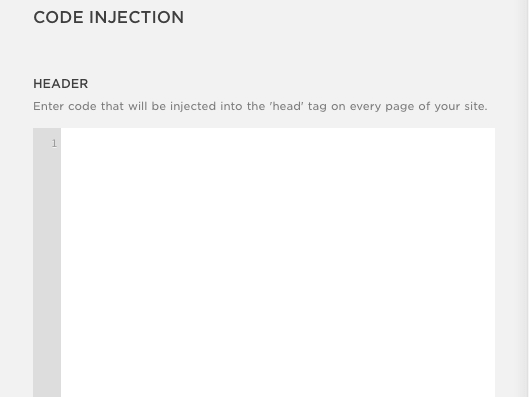
Header Text Area
Click Save and the Freshmarketer JS code will be injected into the <head> tag of your SquareSpace site.
Technical Support
Don't see what you're looking for? Just drop us a mail
